Airbnb Guidebook Examples and Free Template
Build a guest guidebook that answers the questions guests ask before they message you. This post includes journey based examples, copyable wording and a practical free template for small hosts.

The short version
- Order your guidebook by guest urgency, not by what is easiest for you to write.
- Airbnb’s native guidebook is useful for local tips, but guests also need arrival, access, wifi, rules, appliances, safety and checkout.
- A digital guidebook should work with your guest messages, with the right section linked at booking, arrival, during stay and checkout.
- For 1 to 10 units, keep one master guidebook template, then duplicate it and change only property specific details.
- Keep checkout instructions short, disclosed before booking where required, and reasonable enough not to damage the final impression.
Airbnb guidebook examples are most useful when they show the order guests actually need information: before arrival, at the door, inside the property, during the stay and at checkout. A good guidebook reduces repeated questions, stops arrival panic and makes a small host look organised without sounding corporate.
This guide is written for Airbnb and short let hosts with 1 to 10 units. Use the examples as a working Airbnb guidebook template, then trim it to fit your property.
What is an Airbnb guidebook and what should it do?
An Airbnb guidebook can mean two different things, which is where many hosts get stuck.
Airbnb’s native Guidebook is mainly for local recommendations such as restaurants, shops, parks and attractions. Airbnb says host guidebooks are public, can be shared outside Airbnb and can be printed, while property instructions sit separately in the house manual and Arrival guide. See Airbnb’s own guidance on creating or editing an Airbnb guidebook.
A complete Airbnb guidebook for guests is broader. It normally includes arrival, parking, access, wifi, house rules, appliance notes, local recommendations, emergency contacts and checkout. Some hosts call it a welcome book, welcome guide, guest manual, house manual, guest book, Airbnb binder or digital guidebook.
Use these plain definitions:
- Airbnb native Guidebook: Best for public local recommendations.
- Airbnb House Manual or guest manual: Property specific instructions such as wifi, appliances and quirks.
- Welcome book: A friendlier guest facing version of the manual.
- Printed binder: Useful backup inside the property.
- PDF or Canva file: Easy to create, harder to maintain.
- Standalone digital guidebook: Best for sending before arrival, updating fast and linking from messages.
The guidebook should be organised around the moment the guest panics, not around the order the host remembers things.
Airbnb guidebook examples by guest journey stage
Guests do not read like students. They search on a phone, often with bags in hand, a tired child in the car or a partner asking why the door will not open.
That is why your guidebook should follow the guest journey. Airbnb tells guests that, where there is self check in, door or lockbox codes are emailed and sent as a message 48 hours before arrival, and that check in details are also in Trips. See Airbnb’s page on how guests find check in instructions. Your own guidebook should reinforce that flow.
| Guest moment | Question they have | Guidebook section | Example content | Where to link it |
|---|---|---|---|---|
| After booking | What happens next? | Quick start | Your full arrival guide will be sent before arrival. Save this link for wifi, parking and checkout. | Booking confirmation |
| 48 hours before arrival | How do I get in? | Arrival and access | Use gate code {code}, park in {bay}, then use the black lockbox beside {landmark}. | Arrival message |
| Outside the door | Which door is mine? | Door photos | Your door is the blue door on the second floor, flat {number}. | Check in day message |
| First five minutes inside | What is the wifi? | Wifi and devices | Network {network}, password {password}, router in {location}. | QR code inside front door |
| First night | How does heating work? | Heating and appliances | Press mode until heat appears, then set to {temperature}. | Welcome message |
| Problem occurs | What do I do now? | Troubleshooting | If hot water stops, check switch {location}. If still off, message us with a photo. | Top navigation |
| Morning of checkout | What do I need to do? | Checkout | Lock windows, return keys to {place}, message when you leave. | Checkout message |
| After checkout | Should I review? | Review prompt | If you enjoyed the stay, a short review helps small hosts like us. | Thank you message |
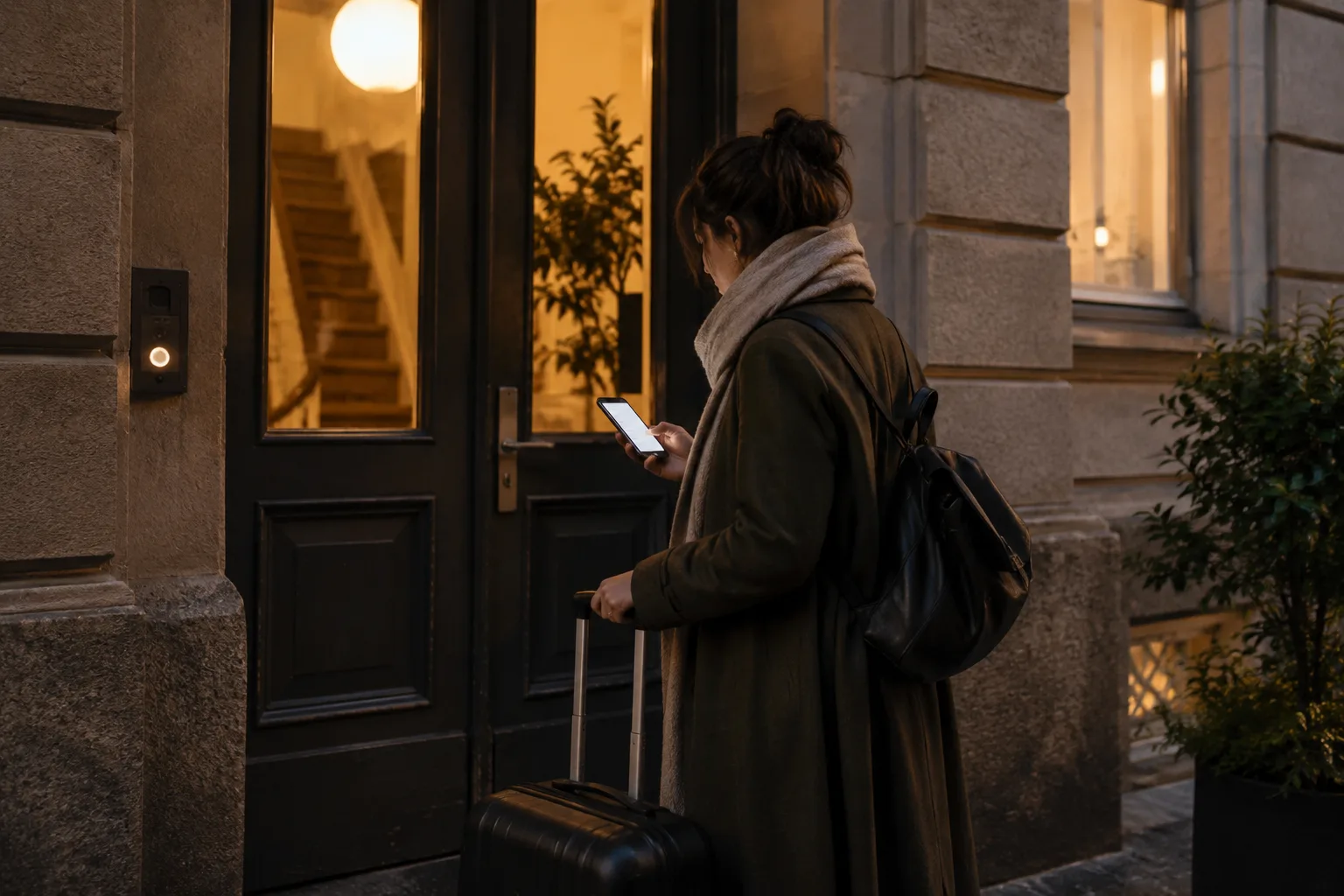
Worked example: a city apartment guest arrives at 10.30 pm. They need the parking bay, building code, lockbox photo, flat number, wifi and heating. If those six items are split across a long PDF, a platform message and a kitchen binder, you will probably get a late night message.
Free Airbnb guidebook template you can copy
Start with one master Airbnb guidebook template free of property details. Then duplicate it for every unit and fill in only the property specific fields. This keeps 1 to 10 units manageable.
Welcome to {property name}

Address: {full address}
Best contact channel: Please message us in {booking platform}
Host or business name: {name}
Normal response hours: {hours}
Emergency contact: {emergency phone}

Quick essentials
Wifi network: {network}
Wifi password: {password}
Router location: {router location}
Parking: {parking details}
Checkout time: {checkout time}
Quiet hours: {quiet hours}
Emergency services: {local emergency number}

Arrival
Use this address in maps: {map link}
Parking: {parking step by step}
Building entrance: {entrance description}
Access code: {code release rule}
Door or lockbox: {instructions}
Late arrival note: {late arrival instructions}

First five minutes
Heating and cooling: {simple instructions}
Hot water: {simple instructions}
Towels and bedding: {location}
TV and devices: {simple instructions}

House rules
No smoking: {rule}
Quiet hours: {rule}
Visitors: {rule}
Pets: {rule}
Bins and recycling: {rule}
Shared spaces: {rule}

Local recommendations
Coffee: {name and why}
Groceries: {name and travel time}
Pharmacy: {name and travel time}
First night dinner: {name and why}
Rainy day idea: {idea}
Walk or run route: {route}

If something goes wrong
Power: {what to check}
Water leak: {what to do}
Lock issue: {what to do}
Noise nearby: {what to do}
Urgent safety issue: call {emergency number} first

Checkout
Please leave by {checkout time}
Return keys to {place}
Close windows and lock the door
Place used towels {where}
Put rubbish {where, if needed}
Message us when you have left
Keep this short enough for a phone. If a section needs three paragraphs, split it into questions with clear headings.
Section 1: welcome note and quick start
The welcome note should reassure the guest, then get out of the way. Do not bury the wifi password under your life story.
Use this:
Welcome to {property name}. This guide has everything you need for arrival, wifi, house rules, local tips and checkout.

If anything is unclear, please message us in {booking platform}. For urgent safety issues, call {local emergency number} first, then message us when safe.

The most useful sections are:
Arrival and parking: {section link}
Wifi and devices: {section link}
Checkout: {section link}
Include the host name or business name, the best contact channel and your normal response hours. If you use Airbnb, keep ordinary stay communication in Airbnb messages so there is a clear record. For urgent safety issues, tell guests to contact emergency services first.
What not to include: private owner addresses, personal phone numbers you do not monitor, a long host backstory, stale restaurant menus, unclear rules or any instruction that guests cannot use on mobile.
Section 2: arrival, parking and self check in
This is the most important section of the whole Airbnb guest guidebook. It should be linked from your check in message, not hidden in a welcome book.
Include exact address, map link, parking, entrance photo, gate or intercom code, lockbox or smart lock steps, stairs or lift notes and late arrival details. Airbnb recommends adding directions, check in method and step by step check in instructions in the Arrival guide, and says photos or video can help guests get in. See Airbnb’s advice on making check in and checkout easy.
Example wording:
Use this address: {full address}
Map link: {map link}

Parking: Park in bay {number} behind the building. Do not use visitor bays because the building may tow after {time}.

Entrance: Use the glass door on {street name}. The keypad is on the right of the door.
Building code: {code}

Lockbox: The lockbox is {location}. Enter {code}, pull down the black tab, take one key and close the box.

Apartment door: Go to floor {floor}. The apartment is {door description}.
Add QR codes in practical places: the check in message, smart lock page, inside the front door, wifi card, fridge, printed binder fallback and checkout message. If you need a message to send with it, use our Airbnb check in message template.
Section 3: wifi, devices and the first five minutes
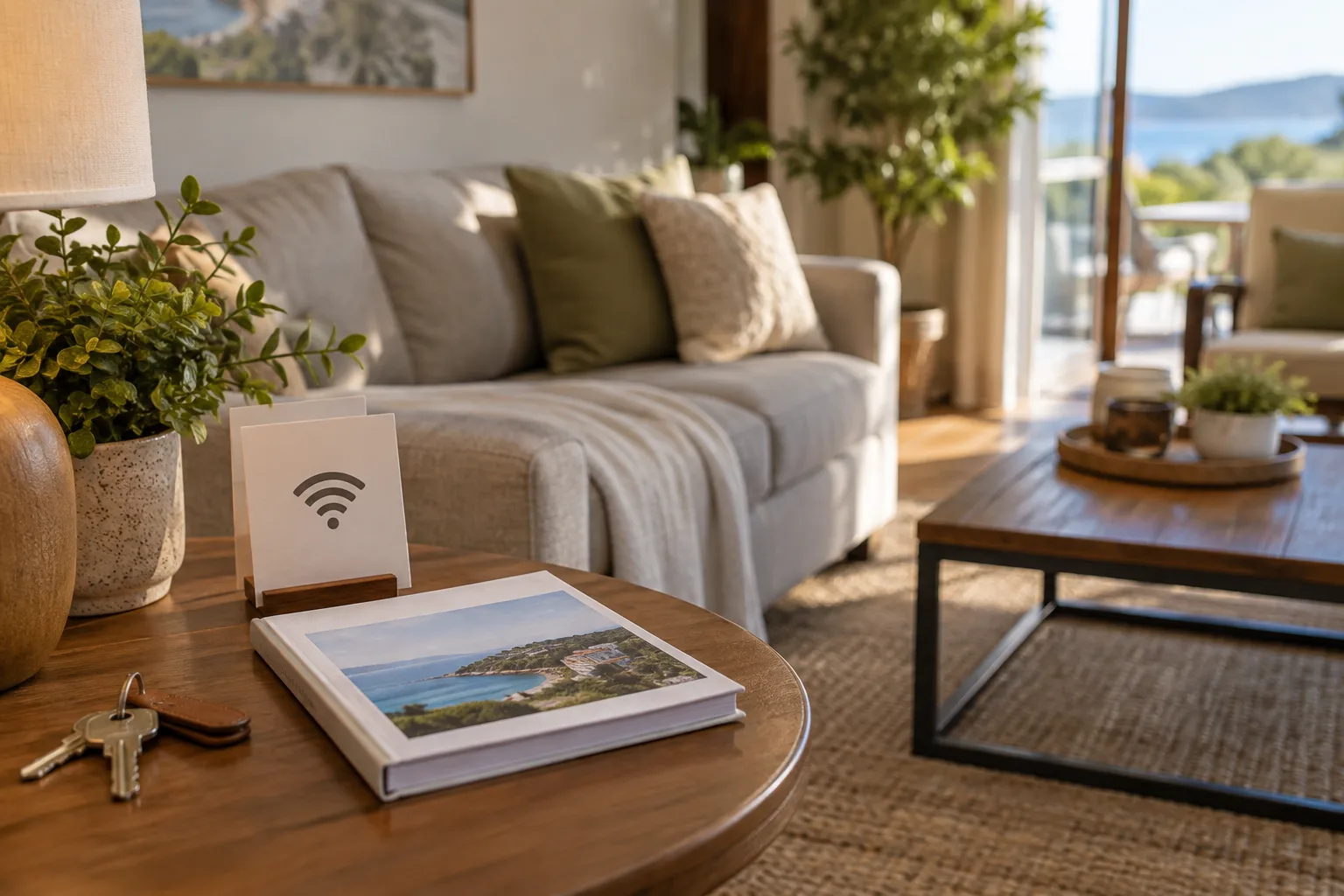
Wifi should appear near the top of the digital guidebook and on a card in the property. Do not make guests search for it.
Include:
- Network name
- Password
- Router location
- Reset steps
- TV or streaming notes
- Heating and cooling basics
- Hot water notes
- Towels, bedding and spare supplies
Use a simple troubleshooting format:
If {problem} happens, please try {simple fix} first.

If that does not work, message us with:
1. A photo of what you can see
2. The room you are in
3. What you have already tried

We will reply with the next step.
This is where a digital guidebook beats a binder. The guest needs the wifi while standing in the hallway, not after finding a plastic folder in a drawer.
For map links, use a proper Google Maps link to the property entrance or car park. Google explains how users can share, send or print directions from Google Maps, which is more useful than writing vague directions such as near the old post office.
Section 4: house rules without sounding hostile
House rules should protect the property and neighbours without making good guests feel unwelcome. Group them by impact: noise, smoking, parties, pets, visitors, parking, shared spaces, safety and locked areas.
Airbnb says hosts can set seven standard house rules covering maximum overnight guests, quiet hours, events, pets, smoking, commercial photography and locking up at checkout. Airbnb also says house rules and requests must be reasonable, disclosed in the designated section of the listing at the time of booking and consistent with the rest of the listing. Read Airbnb’s policy on reasonable house rules and requests.
Use positive wording plus a reason:
- Quiet hours are {time} to {time} so we can protect our relationship with neighbours.
- No smoking or vaping inside. Please use {outside area} and dispose of ends safely.
- Pets are welcome only when included in the booking. Please keep them off beds and sofas.
Do not add surprise fees, new restrictions or major rules only inside the guidebook. Put bookable rules on the listing, repeat them in guest messages and then explain them in the guidebook.
Section 5: appliances, amenities and property quirks
Most appliance instructions are too long. Guests need the shortest safe version.
Cover only what is relevant: heating, air conditioning, washer, dryer, dishwasher, oven, coffee machine, hot tub, fireplace, pool, barbecue, lift, garage, electric vehicle charger, workspace, baby gear and pet amenities.
Worked hot tub example:
Please shower before use.
Keep the temperature at or below {temperature}.
Replace the cover after every use.
Do not use glass near the tub.
Quiet hours still apply from {quiet hours}.
Emergency shutoff is {location}.
If the water looks cloudy or the panel shows an error, please message us before using it.
Add a property quirks subsection. Honest quirks prevent complaints.
Example: The shower takes about 30 seconds to warm. The lift door needs a firm pull before pressing the floor button. The bedroom window opens from the top only.
Use photos or short videos where words fail. A 10 second clip of a stubborn key turn can save a 10 minute message thread.
Section 6: local recommendations guests actually use
Do not list 30 restaurants. Guests need a few good answers.
Include coffee, groceries, pharmacy, late night food, breakfast, family dinner, rainy day idea, walk or run route, transport, taxi or ride share point, nearest beach, park or attraction.
Each recommendation should answer why, how far and whether booking matters.
Example:
Best easy first night dinner: {restaurant name}
Why we recommend it: {reason}
Travel time: {walk or drive time}
Book ahead: {yes or no}
Good for: {families, couples, solo guests, pets, dietary notes}
Map link: {map link}

Closest groceries: {shop name}
Open late: {yes or no}
Map link: {map link}
The Airbnb native Guidebook is fine for this local layer because Airbnb designed it around places and neighbourhood advice. Your standalone digital welcome book can then hold the practical stay details that do not belong in a public recommendation guide.
Review this section monthly. Remove closed places, update opening notes and keep your best first night recommendation current.
Section 7: emergency, safety and what to do if something goes wrong
Safety information should be visible from the top navigation, not hidden after restaurant tips.
Include emergency services, nearest hospital or urgent care, nearest pharmacy, host emergency number, co host or building contact, water shutoff, fuse box, fire extinguisher, smoke alarm and carbon monoxide alarm notes, severe weather instructions and lockout process.
The United States Fire Administration advises holiday rental guests to know two ways out, and says rentals should have working smoke alarms in sleeping rooms, outside sleeping areas and on every level, plus carbon monoxide alarms on every level. See the USFA page on hotel and vacation rental fire safety. The Consumer Product Safety Commission also advises keeping the address visible in case of emergency in its vacation rental safety tips.
Give guests message scripts:
Power outage: The power is out in {rooms}. I have checked {breaker or neighbours}. Please advise.

Leak: There is water coming from {location}. I have turned off {tap or valve if known}. Photo attached.

Lock issue: I am at {door location}. The code {code} is not working. Photo attached.

Noise concern: There is noise from {location} at {time}. Please advise what you would like us to do.
Section 8: checkout instructions and review prompt
Checkout should be short, clear and fair. This is not the time to ask guests to do the cleaner’s job.
Airbnb says guests expect checkout to be relatively simple, and that asking guests to do things a cleaner should handle can hurt reviews. Airbnb also says checkout requests must be reasonable and that Airbnb sends guests reminders with checkout time and instructions. See Airbnb’s current guidance on clear and simple checkout. Airbnb’s guest help page also says checkout instructions in messages or signs should match the reservation details. See how Airbnb checkout works.
Copy and adapt this:
Hi {first name}, checkout is by {checkout time} today.

Before you leave, please:
Close windows
Turn off lights
Return keys to {place}
Place used towels {where}
Put rubbish {where, only if genuinely needed}
Lock the door
Message us when you have left

Thank you for staying with us. If you enjoyed the stay, a short review really helps small hosts like us.
For a fuller version, use our Airbnb checkout instructions template. If checkout goes wrong and affects the review, read our guide on how to respond to a bad Airbnb review example.
Digital guidebook vs binder on the counter
A printed Airbnb binder is a backup. It cannot help a guest before arrival, it goes stale when wifi or codes change, and it is rarely where the guest needs it.
Compare your options:
| Format | Best for | Weakness |
|---|---|---|
| Printed binder | Backup inside the property | Stale quickly and useless before arrival |
| PDF or Canva guide | Simple design | Hard to search and easy to forget to update |
| Airbnb native Guidebook | Local recommendations | Not a full private guest manual |
| Google Doc or Notion | Cheap and editable | Can feel unfinished if not structured well |
| Dedicated digital guidebook | Mobile access, QR codes, updates and sections by stay stage | Needs a clear owner and maintenance routine |
The practical setup is simple:
- Send the guidebook link after booking.
- Send the arrival section again in the check in message.
- Put a QR code inside the entry and near the wifi card.
- Link the checkout section in the departure message.
- Keep a small printed fallback in the property.
This is where YourFrontDesk fits for hosts who want the guidebook joined to operations rather than floating around as another document. It uses one link per stay for payment, ID and the guidebook, releases the door code at the chosen hour only after payment and ID, and answers guests at any hour from that property’s own information when it can.
How to maintain guidebooks for 1 to 10 units
The maintenance problem is usually bigger than the writing problem.
Use this structure:
- One master guidebook template for all properties.
- Shared sections for house style, contact method, review prompt and standard rules.
- Property specific sections for address, parking, access, wifi, bins, appliances and quirks.
- A change log for codes, wifi, parking and checkout details.
- A monthly review using guest questions, message logs, cleaner notes and review comments.
If guests ask the same question twice, the guidebook is missing an answer or the answer is in the wrong place.
For automated timing, connect the guidebook to messages: booking confirmation, before arrival, check in day, mid stay, checkout morning and review request. See our guide to Airbnb automated messages from booking to review.
Hosts who manage several apartments can also look at how YourFrontDesk works for hosts and managers or check pricing for small portfolios.
Airbnb guidebook sample for different property types
Use the same backbone, then make the emphasis fit the property.
City apartment: Prioritise parking, building entrance, lift, noise rules, heating, bins, transport and late night food. Include photos of the street door, keypad and exact flat door.
Rural cottage: Prioritise driving directions, mobile signal, heating, fireplace, septic or drainage notes, local shop hours, mud, dogs and weather.
Beach unit: Prioritise parking, sand rules, outdoor shower, towel policy, balcony safety, nearest lifeguarded beach and wet gear storage.
Multi unit block: Prioritise the correct entrance, unit number, shared spaces, quiet hours, bin room, key return and how not to disturb neighbours.
Pet friendly stay: Prioritise garden rules, furniture rules, local walks, vets, towel for paws, waste disposal and any areas where pets are not allowed.
Remote self check in: Prioritise step by step photos, backup access, what to do if the smart lock fails, lighting, arrival after dark and where guests can safely wait.
Next steps
Build the first version this week. Do not aim for perfect. Aim for fewer messages from tired guests who only need the right answer at the right moment.
Start with the free Airbnb guidebook sample above, link the right section from each guest message, add QR codes in the property and review it monthly.
If you want to see this as a stay link rather than a loose document, see an instant digital guidebook demo.
What people ask next
What should be included in an Airbnb guidebook?
Include arrival instructions, parking, access, wifi, house rules, appliance notes, local recommendations, emergency contacts and checkout instructions. Put the most urgent items first, because guests usually open the guide when they need a fast answer.
How do I create a guidebook on Airbnb?
In Airbnb, hosts can add a native Guidebook from the listing editor under the Arrival guide area. That native guidebook is best for local recommendations, so you may still want a fuller digital guest guidebook for access, wifi, appliances and checkout.
What is the difference between an Airbnb guidebook and a house manual?
The Airbnb guidebook is mainly for local places and neighbourhood tips. A house manual is property specific, covering practical details such as wifi, heating, appliances, rules and how to use the space.
Is there a free Airbnb guidebook template?
Yes. You can use the copyable template in this post as a free Airbnb guidebook template, then duplicate it for each unit. Keep one master version and only change property specific details such as codes, parking, wifi and appliances.
Should an Airbnb welcome book be printed or digital?
A digital welcome book should be the main version because guests can open it before arrival and you can update it quickly. A printed binder is still useful as a backup inside the property.
When should I send the guidebook to Airbnb guests?
Send the guidebook after booking, then link the arrival section again before arrival and on check in day. Link the checkout section on the morning of departure so guests do not have to search.
Do Airbnb guests actually read guidebooks?
Some guests read the whole guide, but many only search it when they have a problem. That is why the structure matters: short headings, QR codes and direct links from messages make it more likely they find the answer.
Can I use one guidebook for multiple Airbnb properties?
Use one master template, but do not send the same finished guidebook for every property. Shared sections can stay the same, while address, access, parking, wifi, appliance notes and emergency details must be specific to each unit.