Sync Airbnb and Booking.com Calendar
A practical operator guide to syncing Airbnb and Booking.com calendars without mixing up real units, owner blocks or room types. Includes a mapping worksheet, test protocol and decision table for 5 to 200 short let units.
The short version
- You can sync Airbnb and Booking.com calendars with iCal, but each direction needs its own one way link.
- Map every physical unit before touching links, especially where Booking.com room types do not match Airbnb listings.
- iCal sync shares availability, not prices, messages, guest details, payments, cleaning work or owner reports.
- Delayed pulls mean double bookings can still happen, so every manager needs testing, guest view checks and manual risk controls.
- At 20 plus units, a central calendar, channel manager or full booking system usually becomes safer than direct point to point links.
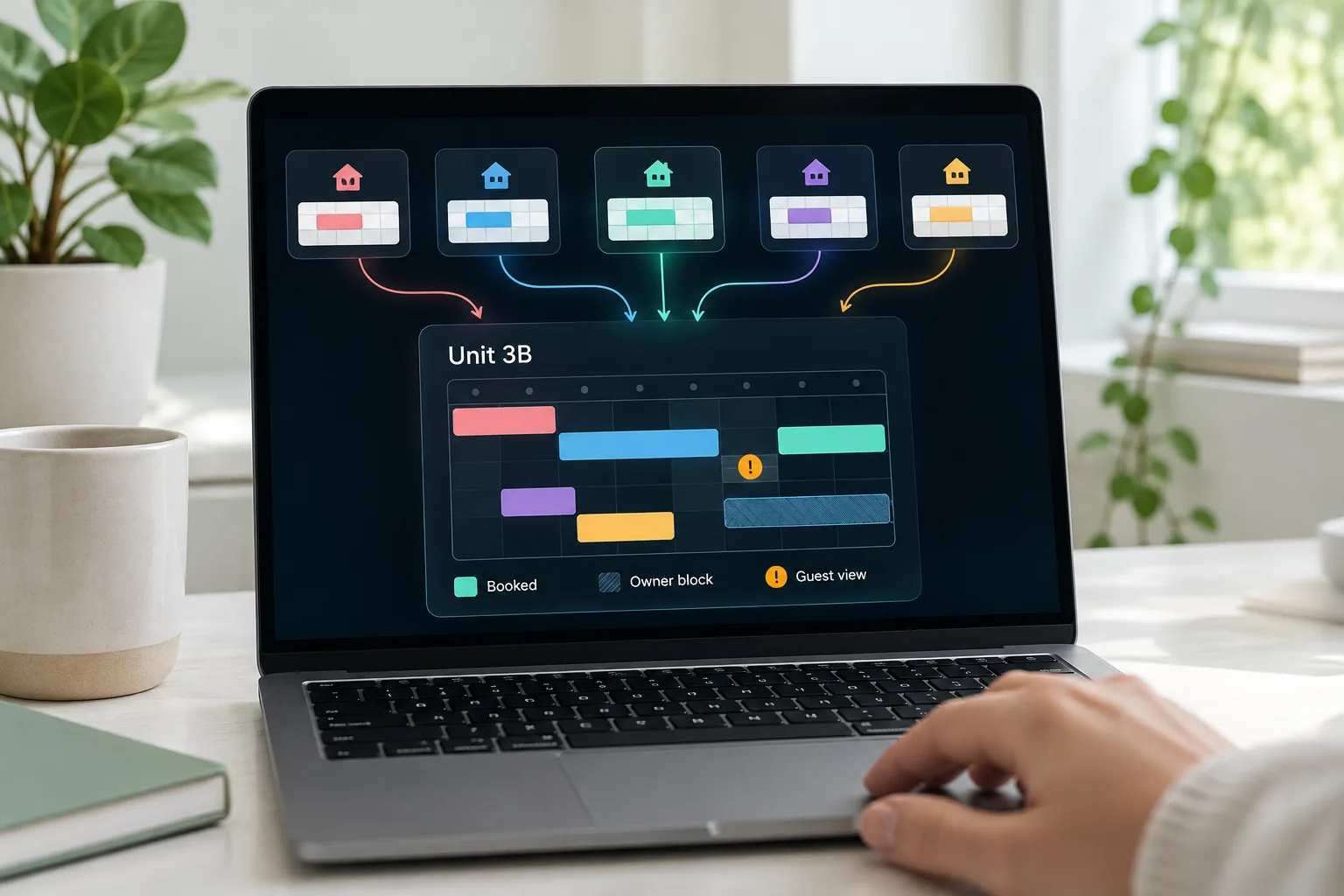
To sync airbnb and booking com calendar safely, you need two calendar links per physical unit: Airbnb into Booking.com, then Booking.com back into Airbnb. That gives you free two way availability sync, but not real time control, pricing, guest messages or operational tasks.
For one flat, that may be enough. For a property manager running 5 to 200 short let units for owners, the real work is not copying links. It is mapping the real inventory, testing both directions, controlling owner blocks and knowing when iCal has become too risky.
Can you sync Airbnb and Booking.com calendars?
Yes. The native method is iCal calendar sync. Airbnb publishes a private calendar export link, Booking.com imports it, then Booking.com publishes its own export link and Airbnb imports that. Airbnb describes the same export and import pattern in its host help, including the desktop path Calendar, Availability, Connect calendars, Connect to another website. (airbnb.com)
One link is not enough. An Airbnb export link only sends Airbnb booked or blocked dates outwards. It does not pull Booking.com reservations back in. To make the sync work both ways, you need the reverse connection too.
The outcome you want is simple: a booking or block on one platform should close the same nights on the other after the next refresh. The key words are after the next refresh. Airbnb says imported calendars update automatically every 3 hours, and it also offers manual Refresh Calendar, subject to a request limit. (airbnb.com)
Booking.com also supports calendar synchronisation through its extranet. Its official partner video says the workflow is used to sync calendars across online travel agencies and help prevent double bookings. (youtube.com)
If you manage units for owners, sync the physical unit, not the portal listing.
Before you start, map the real unit
Most calendar mistakes start before anyone pastes a link. A manager sees one Booking.com property and one Airbnb listing, then assumes they are the same thing. They may not be.
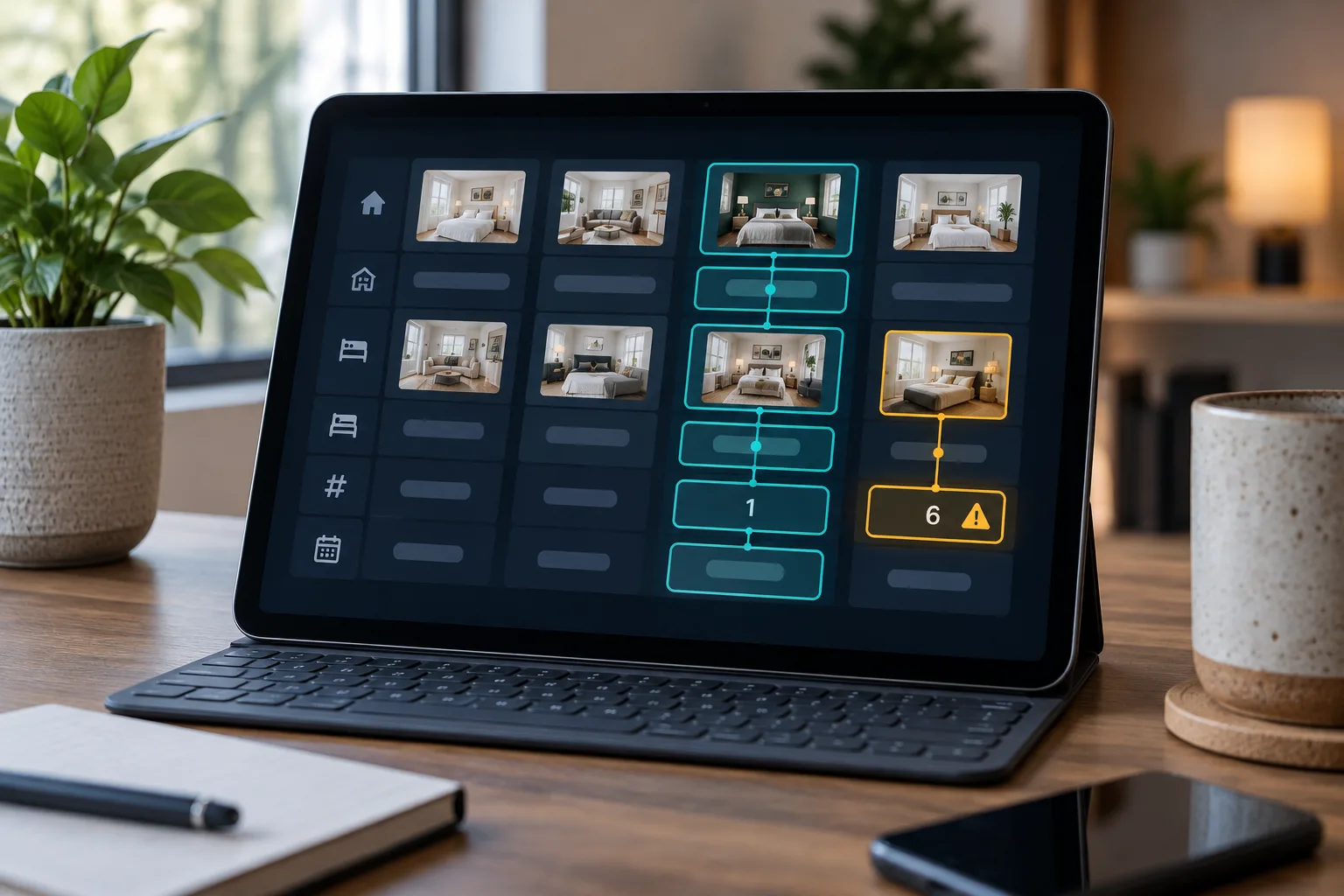
Booking.com often uses a property, room type and unit count structure. Airbnb is usually one listing per bookable space. A Booking.com room type called City Studio with 6 units is not the same as one Airbnb listing called City Studio 3B. If you sync that 6 unit room type to one physical Airbnb flat, you can close the wrong nights or leave real nights open.
Use this worksheet before changing anything:
Owner: {owner name}
Physical unit: {door number or unit code}
Airbnb listing name: {listing name}
Airbnb listing URL: {listing URL}
Booking.com property ID: {property ID}
Booking.com room type: {room type name}
Booking.com unit count: {number of units}
Instant Book status: {on or off by channel}
Airbnb export URL stored: {yes or no}
Booking.com export URL stored: {yes or no}
Imported links checked: {yes or no}
Cleaner calendar affected: {calendar name}
Owner block process: {who adds blocks}
Last tested date: {date and time}
Responsible person: {team member}
Worked example: you manage 12 apartments for 4 owners. Each apartment has its own Airbnb listing. On Booking.com, each apartment should map to a single unit room type if you want clean iCal sync. Do not sync one 6 unit room type to one Airbnb listing.
Pause new manual changes while you map. Screenshot the current calendar for each unit first. If you inherit a messy setup, that screenshot is your rollback point.
How iCal calendar sync works in plain English
An iCal link is a calendar feed. One system publishes a private URL. Another system reads that URL at intervals and copies the blocked dates it finds.
iCalendar is the formal standard behind many calendar feeds. RFC 5545 defines iCalendar as a data format for exchanging calendaring information independent of any one calendar service, and GOV.UK also lists iCalendar RFC 5545 as the open standard for exchanging calendar events. (rfc editor.org)
The flow looks like this:
Airbnb booking, Airbnb calendar updates, Booking.com imports the Airbnb feed, Booking.com closes the same nights.
Then the reverse:
Booking.com reservation, Booking.com calendar updates, Airbnb imports the Booking.com feed, Airbnb blocks those nights.
The important operational point is that iCal is pull based. The receiving platform checks the feed when it decides to check it. The sending platform is not forcing the receiving platform to update the second a guest books.
Airbnb asks hosts importing a calendar to add a URL ending in .ics. It also says nights blocked or booked on Airbnb will be blocked on the other website once exported, but nights blocked on another calendar may or may not block Airbnb, depending on what that other calendar includes. (airbnb.com)
Step 1, export your Airbnb calendar link
On desktop, go to Airbnb, Calendar, choose the listing, Availability, Connect calendars, then Connect to another website. Copy the Airbnb calendar link. Airbnb lists this exact desktop path in its help article. (airbnb.com)
Do not paste it straight into Booking.com yet. Paste it into your mapping sheet first. Use a clear naming convention:
Platform source: Airbnb
Owner: {owner name}
Unit: {unit code}
Platform destination: Booking.com
Created by: {team member}
Created date: {date}
Purpose: Availability only
Treat iCal links like private operating data. They reveal occupancy patterns and may include reservation identifiers. Do not put them in owner emails, public spreadsheets or cleaner notes unless that person genuinely needs the link.
Step 2, import the Airbnb link into Booking.com
In Booking.com Extranet, look for Rates & Availability or Calendar & Pricing, then Sync calendars. Booking.com layouts vary, and some accounts use different menu labels, so search for Sync calendars rather than relying on one route.
Choose the exact room or unit that matches the Airbnb listing. Paste the Airbnb export URL into the import field, name it clearly, then save. The connection name should tell a future team member what it does, for example Airbnb, Owner Patel, Unit 3B.
Worked example: Unit 3B Airbnb export goes only into Booking.com Unit 3B. It does not go into the whole building calendar. It does not go into a room type with several bookable units.
After saving, check the connection status. Where Booking.com offers manual import, run it. If the button is missing, do not improvise by using a nearby room type. Stop and check eligibility, permissions and whether another connectivity setup is already controlling availability.
Step 3, export your Booking.com calendar link
Now copy the Booking.com export link for the same unit. Depending on your layout, this may appear in Sync calendars after Add calendar connection, or as an export option for the room or unit.
Store that Booking.com export URL in the same row of your mapping sheet. The row should now show the real physical unit, the Airbnb listing, the Booking.com property, the Booking.com room type and both export links.
This is where managers with 20 plus units need discipline. If one team member copies Unit 4A and another pastes it into Airbnb Unit 4B, the calendars will look connected but the operation is wrong.
Step 4, import the Booking.com link into Airbnb
Return to Airbnb, Calendar, choose the listing, Availability, Connect calendars, Connect to another website. Paste the Booking.com export link into Airbnb's calendar address field, give it a name such as Booking.com, Unit 3B, then add the calendar.
This direction matters because without it, Booking.com reservations will not block Airbnb. You will have a one way sync that protects Booking.com from Airbnb bookings but leaves Airbnb exposed.
After saving, open Airbnb's connected calendar list. Check that the imported Booking.com calendar is visible, named properly and showing a latest updated time. Airbnb says you can choose an imported calendar and use Refresh Calendar if you need availability sooner than the automatic cycle. (airbnb.com)
Step 5, test both directions before you trust it
Never trust a calendar connection because the button says saved. Test it.
Use one non peak future date that is safely outside your normal booking window. Block that date on Airbnb. Manually refresh or import on Booking.com if available. Confirm that the date closes in Booking.com. Then remove the test block and confirm the date opens again.
Now reverse it. Block a different future date on Booking.com. Refresh the imported calendar in Airbnb. Confirm that Airbnb closes the date. Remove the test block and confirm it reopens.
Then do the test guests see: open each listing in an incognito browser and check guest view availability. Host dashboards can show internal blocks in ways guests never see.
Use this log:
Unit: {unit code}
Owner: {owner name}
Direction tested: {Airbnb to Booking.com or Booking.com to Airbnb}
Test date: {date}
Expected result: {date closed or date opened}
Actual result: {what happened}
Manual refresh used: {yes or no}
Guest view checked: {yes or no}
Screenshot link: {internal file link}
Tester: {team member}
Date and time: {date and time}
Rollback needed: {yes or no}
What iCal sync does and does not sync
Calendar sync is availability sync. It is not property management.
| Area | iCal usually syncs | iCal does not sync |
|---|---|---|
| Availability | Booked dates and some blocked or closed dates | Prices, rate plans and discounts |
| Rules | Some exported blocks, depending on platform settings | Minimum stay, advance notice and restrictions |
| Guests | Occupied nights | Guest names, payments, ID, messages and requests |
| Operations | Basic blocked dates | Cleaning tasks, lock codes, owner statements and revenue rules |
| Changes | Cancellations and date changes after refresh | Instant push alerts across every system |
Airbnb says exported Airbnb calendars include nights blocked for availability settings, preparation time, advance notice and minimum stays, while nights blocked on another calendar may or may not be blocked on Airbnb. That means managers must still maintain rules on each channel unless a central pricing and calendar connection controls them. (airbnb.com)
For practical risk controls, see How to Avoid Double Booking Airbnb. If you are deciding whether to centralise, this guide on how one shared calendar works is a useful next read.
The limits of iCal, where double bookings still happen
Here is the failure timeline operators recognise.
At 9 pm, Airbnb accepts a booking for Friday and Saturday. Airbnb closes the dates on its own calendar. Booking.com has not imported the Airbnb feed yet. At 9:45 pm, a Booking.com guest books the same Friday and Saturday. Both guests have valid confirmations until a person fixes it.
That is not a bug in your setup. It is a timing gap. Airbnb's published refresh cycle is every 3 hours for imported calendars, with manual refresh available but limited. (airbnb.com) Booking.com calendar sync is also used to prevent double bookings, but its official partner video presents it as a synchronisation workflow rather than an instant live connection. (youtube.com)
Risk rises when Instant Book is on both platforms, same day bookings are open, occupancy is high, owners add blocks outside your process, direct bookings sit in another calendar, or Booking.com room types contain multiple physical units.
For 5 units, a daily check may catch most problems. For 80 units, manual QA becomes a job in itself. For 200 units, direct point to point iCal creates too many hidden places for a stale link to sit.
Troubleshooting, why the calendars are not matching
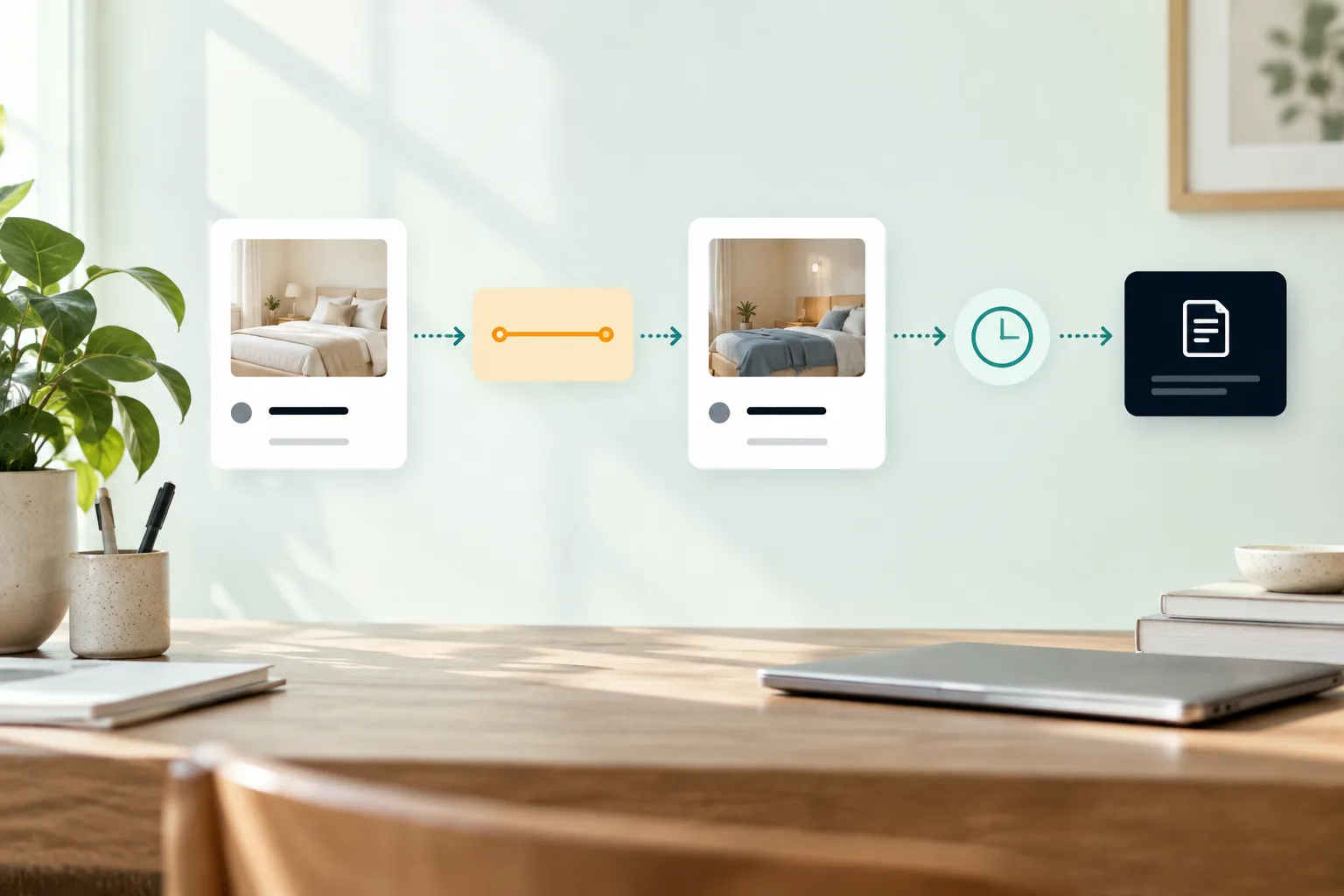
Use this decision tree before deleting anything.
First, is the real unit right? Compare door number, Airbnb listing name, Booking.com property ID and room type. If the unit is wrong, disconnect only after screenshots and manual protection blocks.
Second, is it only connected one way? If Airbnb bookings block Booking.com but Booking.com bookings do not block Airbnb, the Booking.com export link is probably not imported into Airbnb.
Third, has the receiving platform refreshed? Use Refresh Calendar in Airbnb or Booking.com manual import where available, then wait for the automatic cycle.
Fourth, is the URL complete? A truncated link, regenerated export URL or old connected link can leave phantom blocks or no blocks.
Fifth, is there a duplicate connection? If a unit has both old iCal links and a newer API or central connection, remove duplicates only after you know which one owns availability.
Sixth, are cancelled bookings reopening? If not, refresh both sides, then check whether the cancellation is still present in the feed or whether another block is holding the night closed.
Keep manual blocks in place until the receiving calendar shows the booking on its own. Never remove the safety block because someone says the sync should catch up.
When to move from iCal to one shared calendar
Point to point iCal is attractive because it is free and already in the platforms. It becomes hard when link counts grow.
With 5 units across Airbnb and Booking.com, you already manage 10 live directions. Add direct bookings and owner calendars, and the number climbs quickly. At 20 units, you need a shared calendar and a weekly audit. At 50 units, you need central ownership, alerts and permissions. At 200 units, a channel manager or full booking system is usually the safer operating model.
A central calendar gives each unit one source of truth. Owners can see the dates they are allowed to see. Cleaners can work from checkouts. The manager can audit changes without opening every portal tab.
An API connection or channel manager can also carry more than iCal, depending on the system: rates, restrictions, availability, messages and team access. Ask what is live API and what is still iCal. Ask how cancellations reopen dates. Ask what happens when an owner block is removed.
Trigger points for moving on are simple: one double booking, one near miss, more than two sales channels, multiple team members, dynamic pricing, same day bookings, owner blocks outside your control or a Booking.com multi unit room type.
For hosts and managers comparing operations, the short let manager page explains the broader front desk problem, and the pricing page shows what included calendar and management tooling costs.
Owner communication script
Owners need to understand that delayed iCal is a risk policy, not a mystery. Send this before you list their unit on more than one channel.
Hi {owner name},

We will sell {unit name} on {channels}. To reduce double bookings, we will control the main availability calendar and owner blocks must come through {process}.

iCal calendar sync is not instant. A booking on one channel can take time to close the same dates elsewhere. For that reason, please do not block dates directly in a portal or personal calendar without telling us.

If you need owner use, send {dates} to {team contact}. We will add the block, check guest view and confirm when it is safe.

Thanks,
{manager name}
Also agree who pays if an owner block is placed outside process and causes an overbooking. Put it in the management agreement, not in a late night WhatsApp argument.
Next steps
If you want to sync Airbnb and Booking.com calendars today, map every physical unit first, copy both export links into the worksheet, import each link into the matching unit, then test both directions in guest view.
If you run 5 to 20 units, add a weekly calendar audit. If you run 20 to 200 units, move towards one controlled calendar per unit and stop relying on scattered portal links as the operating record.
To see what one calendar, guest handling, arrivals, pricing, housekeeping and owner reporting can look like together, see an instant demo.
What people ask next
Can you sync Airbnb and Booking.com calendars?
Yes. You can use iCal links to connect Airbnb and Booking.com calendars in both directions. You need one link from Airbnb into Booking.com and another from Booking.com back into Airbnb.
How do I sync my Airbnb calendar with Booking.com?
Export the Airbnb calendar link for the exact listing, then import it into the matching Booking.com room or unit. Then export the Booking.com calendar link and import it back into Airbnb. Test both directions before relying on it.
How do I export my Airbnb iCal link?
On Airbnb desktop, open Calendar, choose the listing, go to Availability, then Connect calendars and Connect to another website. Copy the Airbnb calendar link and store it in your mapping sheet before pasting it anywhere else.
Is Airbnb and Booking.com calendar sync instant?
No. iCal sync works by periodic refresh, not by instant push. That means there can be a delay between a booking on one platform and the same dates closing on the other.
Does iCal sync prices, messages or guest details?
No. iCal is mainly for availability. Prices, minimum stays, rate plans, payments, guest messages, cleaner tasks and owner reports need to be handled elsewhere.
Can I sync multiple Airbnb listings with one Booking.com property?
Only if each physical unit is mapped correctly to the right Booking.com room type or unit. A multi unit Booking.com room type should not be treated as one physical Airbnb listing, because that is a common route to double bookings.
When should I use a channel manager instead of iCal?
Use iCal for low risk units where delays are acceptable and the mapping is simple. Move to a channel manager, shared calendar or booking system when you have multiple channels, several team members, direct bookings, dynamic pricing, same day arrivals or any double booking near miss.