How to Verify Guests on Airbnb
Airbnb guest verification helps, but it is not a complete check in procedure for a small host. This guide shows when to rely on the badge, when to ask for ID, and how to run a clear online check in flow.
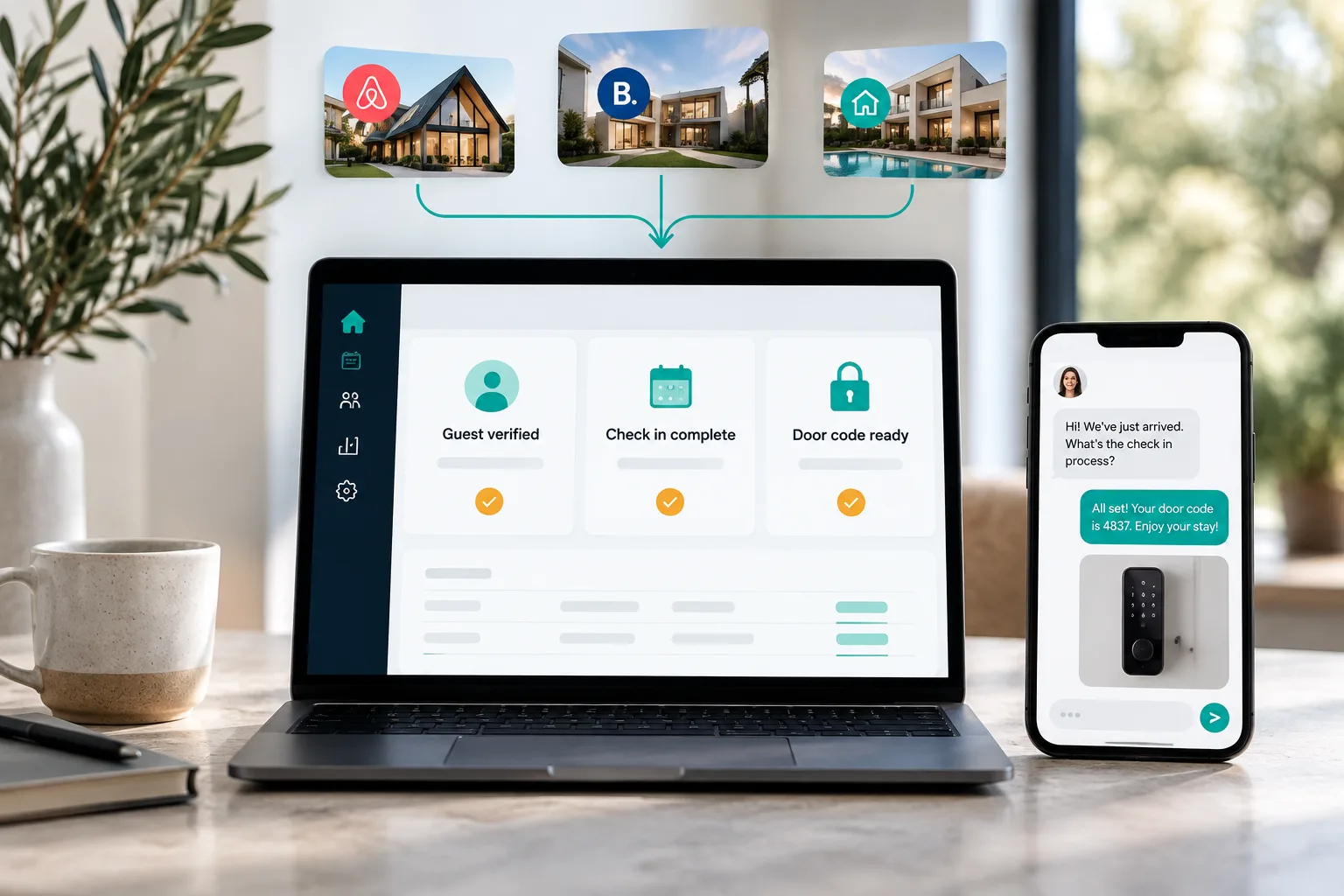
The short version
- Airbnb verifies the booking guest for its own trust and safety system, but it does not share the guest government ID with hosts.
- Hosts should only collect extra ID where there is a disclosed legal, building, community or permitted contract reason, and they should collect the minimum needed.
- Booking.com and direct bookings need a separate host workflow because the platform view and guest data flow are different from Airbnb.
- For remote check in, release the door code only after the required online check in, payment and ID steps are complete.
- Guest trust matters, so disclose the requirement before booking, use secure forms, avoid message thread ID photos and delete data when it is no longer needed.
If you are wondering how to verify guests on Airbnb, the short answer is: Airbnb verifies the booking guest, but that does not remove your need for a clear check in process. For a host with 1 to 10 units, the right setup is usually platform verification plus disclosed online check in, with ID collection only when you have a real legal, building or compliance reason.
Airbnb says every host, new co host and booking guest must complete identity verification, and that the process checks information against trusted third party sources or a government ID. Airbnb also says it does not share the guest government ID with hosts, and that no process guarantees someone is who they say they are. (airbnb.com)
The badge helps you accept a booking, but your check in process controls who receives the door code.
Quick answer: Airbnb verifies the booker, not your whole check in risk
For a normal Airbnb stay, the identity verified badge is a useful signal. It tells you that Airbnb has completed its own Airbnb identity verification process for that account. It does not tell you that every adult staying has been checked, that the person arriving is the booking guest, or that your building registration file is complete.
That difference matters most when you run remote arrivals. If you send smart lock details too early, you lose the chance to confirm guest count, signed terms, building rules or required registration details before access. This is why your operating rule should be simple: no access code until the required check in steps are finished.
For many Airbnb stays, Airbnb guest ID verification is enough. For example, a low risk booking with good reviews, no local registration requirement and no building rule may not need any extra ID from you. For other bookings, you may need an in person ID check, an online check in form, or guest registration details. The decision should be based on the reason, not on suspicion.
If you take Booking.com or direct bookings as well, do not assume the same coverage. Build one multi channel process that explains what is required before booking, collects only what is needed, and releases access at the right moment. For message timing, pair this with your Airbnb automated messages and a clear Airbnb check in message template.
What Airbnb guest identity verification actually covers
Airbnb verification is platform run and account level. Airbnb says it may verify legal name, address, phone number or other contact details using trusted third party sources or a government ID. It may ask for a passport, driving licence or national identity card, and in some cases it may ask for a selfie, facial recognition or NFC chip verification depending on the country and the situation. (airbnb.com)
The process can vary by region. Airbnb says some users can be verified without extra information, while others are asked for documents where another method is not available or effective. That means you should not tell guests that Airbnb always checks a passport or driving licence. The safer wording is that Airbnb verifies the booking guest using the methods it requires for that account and region. (airbnb.com)
Airbnb also says guest verification usually happens during checkout, with a deadline. If the guest does not complete it in time, the reservation is not confirmed. Airbnb states that if check in starts within 12 hours, the guest has 1 hour to complete verification, otherwise the guest normally has 12 hours from making the reservation. (airbnb.com)
For hosts, the key point is ownership. Airbnb is verifying for Airbnb. It is not creating a host owned guest file. It may support fraud prevention, safety work, permitted background checks and legal compliance, but it does not give you the document image to keep in your own records. (airbnb.com)
What Airbnb verification does not cover
Identity verification is not the same as guest screening, house rule acceptance, payment validation, age evidence, party risk control or guest registration. Treat those as separate jobs.
| Risk area | Covered by Airbnb verification | Host still needs to manage |
|---|---|---|
| Booking guest identity | Usually yes, for the account booking | Match between booker and arrival if needed |
| Additional guests | Not as a complete host file | Names or adult details if law or building rules require them |
| Third party bookings | Not fully solved by a badge | Ask who is staying and keep messages on platform |
| Local authority registration | No, unless Airbnb has a local process | Collect required registration details only where required |
| Building security rules | No | Disclose rule and collect what the rule requires |
| Age minimum evidence | Not shown to host as date of birth | Use lawful, disclosed checks where relevant |
| Trip purpose | No | Ask neutral, non discriminatory questions about arrival and plans |
| Party risk | Not the same thing | Use reviews, guest count, rules, deposit policy where allowed and messages |
| Direct payments | No | Use your approved payment process and keep records |
| Door code control | No | Release code only after required steps are complete |
| Damage evidence | No | Photos, timestamps, invoices and platform claim steps |
Airbnb says AirCover for Hosts includes guest identity verification and reservation screening, as well as host damage protection and host liability insurance. That still does not replace your duty to follow the claim process and provide evidence if there is damage. (airbnb.com)
Can hosts ask Airbnb guests for ID?
The answer depends on why, when and what you do with it. Airbnb currently shows a policy page with two versions: the updated policy applies to reservations booked on or after 20 November 2026, while the previous policy applies to reservations booked before 20 November 2026. As of 1 November 2026, that date matters. (airbnb.com)
For reservations under the updated policy, Airbnb says hosts generally may not collect personal data or require registration on a separate site or app, except in limited cases. It allows collection where needed to comply with applicable law or a documented community association rule, such as HOA or building security requirements, or to facilitate an allowed contract. The host must clearly disclose what is required and why in the requests section before booking, collect no more than necessary, and securely store and dispose of sensitive data. (airbnb.com)
The updated page also says hosts may physically check a guest ID in person at check in if that requirement is disclosed, but may not retain a digital or physical copy except within the listed exceptions. For reservations before 20 November 2026, the older wording says hosts may ask for government ID photos before arrival only where required for legal or compliance reasons, such as local laws, HOA rules or building security rules, and only when disclosed before booking. (airbnb.com)
Strong reasons include local guest registration law, a valid accommodation licence condition, hotel style legal registration, an HOA rule, or a documented building security rule. Weak reasons include curiosity, general distrust, running your own background check from Airbnb contact details, surprise requests after booking, or forcing a third party app just to enter when there is no allowed reason.
Airbnb guest identity not verified: what to do
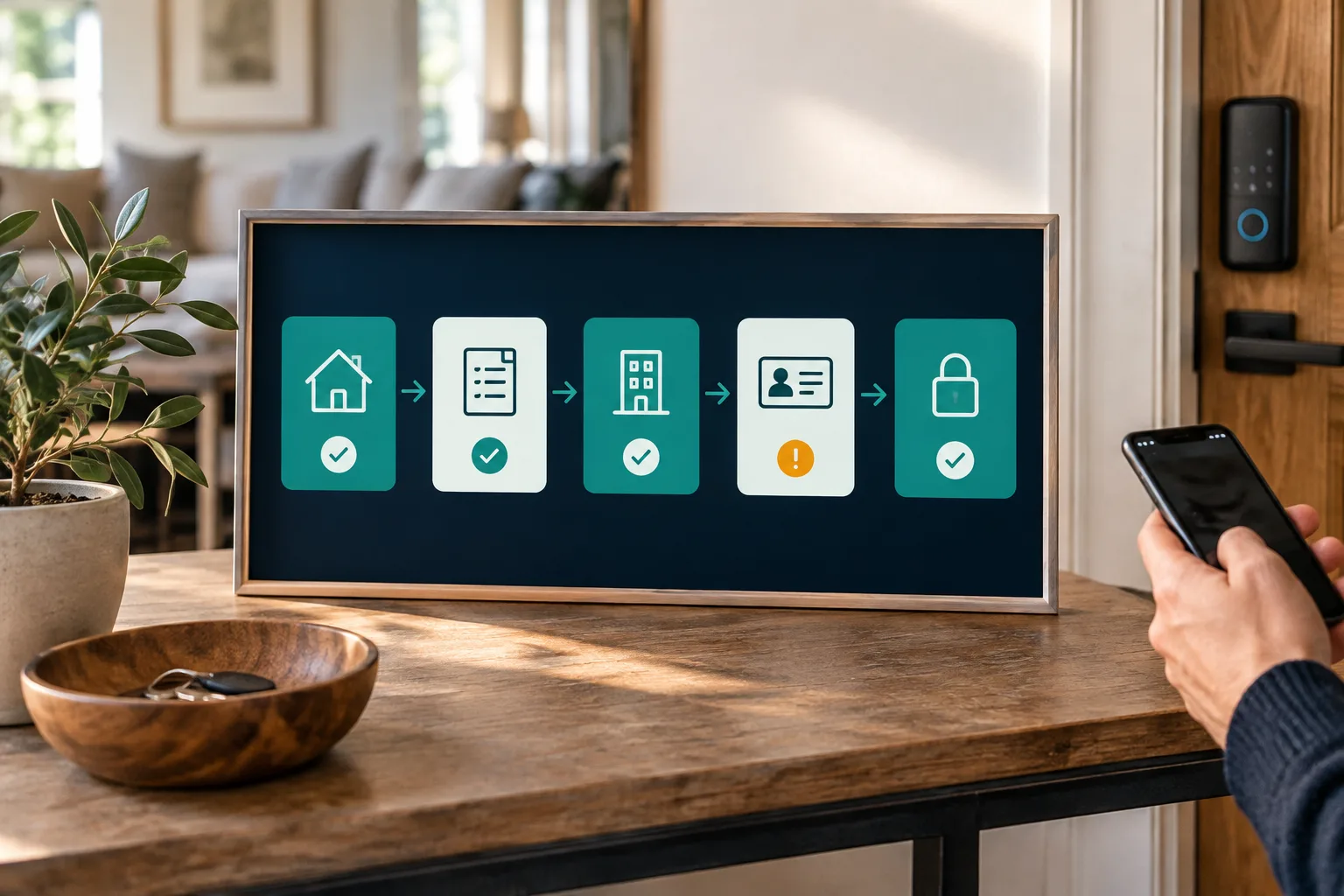
If Airbnb shows airbnb guest identity not verified, do not panic and do not jump straight to asking for passport photos in chat. Common explanations include a new account, a pending verification, a display delay, changed legal details, an expired document, a camera problem or a platform issue.
Use this sequence. Keep all communication in Airbnb. Ask the guest to complete Airbnb verification inside their account. Avoid collecting sensitive documents in the message thread unless you have a disclosed legal or compliance basis. Record the concern in the Airbnb thread. If verification is required for the reservation and the status does not update, contact Airbnb support before releasing check in details.
Hi {first name}, thanks for your booking. For safety and compliance, please complete Airbnb identity verification inside your Airbnb account. Once Airbnb confirms the reservation and our standard pre arrival steps are complete, we will send the check in details for {property name}.Hi {first name}, your access code is scheduled for {release time} on {arrival date}. Before that, please complete the required check in form at {secure link}. We only use the details for check in and compliance, not marketing, and we delete records according to our retention policy.If the guest refuses a required step, stay calm. If the requirement was disclosed and is genuinely required, explain the basis and point them back to the listing wording. If it was not disclosed, do not improvise. Contact the platform and follow its process.
How guests verify ID on Airbnb
This section is useful to send to a confused guest. To verify ID on Airbnb, the guest should open their Airbnb account or reservation and follow the verification prompt. Airbnb may ask for legal name, address or contact details, and may ask for a government ID photo. If asked for ID, the guest should use an original, unexpired document, take a clear photo in good light, allow camera access and complete any selfie step. (airbnb.com)
Airbnb says the guest may receive emails, SMS or push reminders, and that an unconfirmed reservation can lapse if the deadline is missed. If the guest has trouble, ask them to check whether the legal name matches, whether the ID is expired or damaged, whether both sides are needed, whether the browser has camera permission, and whether Airbnb has requested another document. (airbnb.com)
You should not try to solve Airbnb account verification for the guest by collecting their ID yourself. Keep the distinction clear: Airbnb verification happens in Airbnb, while your own check in requirements must be disclosed, proportionate and justified.
How to verify guests for Booking.com and direct bookings
Booking.com is different from Airbnb from a host point of view. Its privacy notice says it may process data for online check in with the trip provider, possible damage deposits, passport or ID information where required by trip providers, and an account or guest verification programme in some jurisdictions. It also says trip providers may process guest data outside Booking.com to prepare for arrival and departure, and may ask for extra data to comply with local requirements and restrictions. (booking.com)
That does not mean every Booking.com guest arrives with an Airbnb style identity badge or a host ready ID file. For a small operator, the safer workflow is to state the requirement in the listing information, send the online check in link through the platform message thread, explain why it is required, and give the guest a way to verify the request if they are worried.
For direct bookings, you control the whole process. Collect booking details, contact details, payment, signed rental terms where applicable, and ID or registration details only where needed. Give a privacy notice before payment or at the point of booking, not after the guest has lost realistic cancellation options.
Hi {first name}, we look forward to welcoming you to {property name}. Because this property uses remote check in, please complete the secure online check in at {secure link}. It confirms the lead guest, required registration details and house rules. The access code is sent after the required steps are complete.Hi {first name}, your stay at {property name} is confirmed for {dates}. Before arrival, please complete the guest check in at {secure link}. We collect only the information needed for your stay, payment, access and any legal registration requirement. We do not use ID details for marketing.A practical online check in workflow for 1 to 10 units
Here is a worked example. You run 2 apartments with remote self check in and a smart lock. Your rule is that the code is released 24 hours before arrival, but only after payment, required ID or registration details, and house rules are complete.
The booking is confirmed. An automatic welcome message explains the next step. The guest opens one secure check in link. The lead guest confirms name, arrival time and contact details. If your local rule requires it, adult guest names are added. If your legal or building reason requires ID, the guest uploads it through the secure form. If a rental agreement is permitted and disclosed, the guest signs it. The host or system reviews exceptions. Then the door code is sent at the chosen hour and expires after checkout.
Handle exceptions in advance. For last minute bookings, reduce the review window but keep the same rule. For late night arrivals, make the deadline earlier in the day. If the guest cannot upload ID, offer an in person check where possible. If the name does not match, ask whether the booker is travelling. If extra guests appear, update the reservation before access.
For small apartment operators, this is where online check in for apartment hosts and managers matters. YourFrontDesk puts one link per stay in the arrival flow for payment, ID and the guidebook, with the door code released at the chosen hour only after payment and ID.
Templates hosts can copy
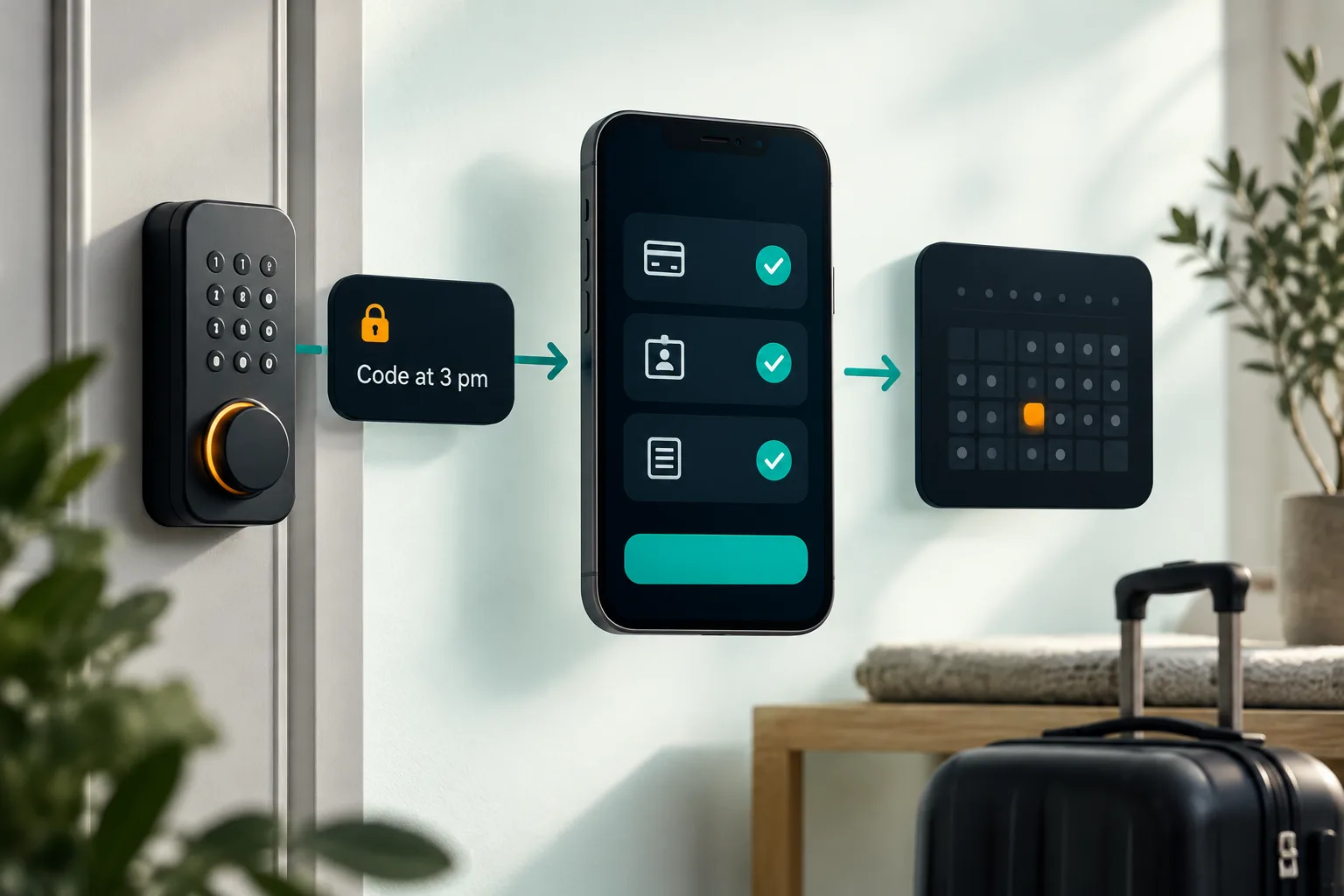
Use plain wording. Guests are often wary of scams, especially when a message asks them to open a link. The FTC advises people not to click unexpected links asking for personal information, so your message must look expected, specific and proportionate. (consumer.ftc.gov)
For this property, {required information} is required before check in because {legal rule or building rule}. This is used only for check in, access and compliance. Access details are released after the required check in steps are complete.Hi {first name}, thanks for booking {property name}. As disclosed in the listing, we need {required information} for {reason}. Please complete it through {secure link or in person option}. We collect only what is needed and delete it according to our retention policy.Hi {first name}, I understand your concern. The requirement is listed before booking because {reason}. Without it, we cannot complete check in or release access. If you believe the request should not apply, please contact {platform name} support through your reservation so everything stays documented.Keep these short and consistent. If your longer arrival process needs better timing, read how it works and build the same language into every channel.
Privacy and data protection basics
Guest ID verification short term rental processes create privacy risk if you collect too much. The European Commission describes data minimisation as collecting and processing only the personal data necessary for the purpose, and storage limitation as keeping it no longer than necessary. (commission.europa.eu)
The ICO guidance says personal data is information relating to an identified or identifiable person, and that organisations should review whether they still need personal data at the end of a retention period, then erase or anonymise it unless there is a clear reason to keep it. It also points to access controls and security measures appropriate to the risk. (ico.org.uk)
In practice, collect the least information that solves the problem. Do not ask guests to email passport photos or send ID images through OTA message threads unless you have a clear platform and legal basis. Use a secure form, restrict staff access, separate ID collection from marketing consent, record your retention period, and delete ID images after verification if you no longer need the image itself. Confirm local rules before setting a fixed retention period.
Common mistakes are easy to avoid: surprise ID demands after booking, asking every Airbnb guest for passport photos, keeping ID forever, treating the Airbnb badge as proof of every occupant, sending door codes before check in is complete, and using vague language that sounds like a scam.
Recommended setup: verification plus access control
For a small host, the best operating model is not more documents. It is a clean chain: platform verification, disclosed online check in, required registration only where justified, signed terms only where permitted, message automation, a guidebook and access code control.
That chain protects both sides. The guest sees the requirement before booking and understands why the link exists. You know who is expected, what is still missing and when access can be released. If something looks wrong, you have time to review it before the door opens.
YourFrontDesk is built around that front desk work for short let hosts, property managers and small independent hotels. It sits in the middle of Airbnb, Booking.com, Expedia, Vrbo and direct bookings, answers guest messages from the property information when it can, and drafts for the host when it is unsure. For pricing and operations beyond check in, see the pricing engine or get an instant demo.
Next steps
Check your local registration rules, update your listing disclosure, write one privacy safe check in message, and decide exactly when the door code is released. If you want to see how this can run without a front desk, start with the instant demo.
What people ask next
Does Airbnb verify guest identity?
Yes. Airbnb says booking guests, hosts and new co hosts must complete identity verification to use the platform. The method can vary by region and account, and it may use personal details, trusted sources, government ID, selfie checks or other steps.
What does identity verified mean on Airbnb?
It means Airbnb has completed its own identity verification process for that account. It does not mean the host can see the guest government ID, and it does not prove every person staying has been checked.
Can Airbnb hosts ask guests for ID?
Sometimes, but only in limited circumstances. The requirement should be disclosed before booking, must have a valid legal, compliance, building or permitted contract reason, and the host should collect no more than needed.
Does Airbnb share a guest government ID with the host?
No. Airbnb says guest government ID and selfie information used for Airbnb verification are not shared with hosts or other guests. A host may only collect separate ID details where the platform rules and local rules allow it.
How do guests verify their ID on Airbnb?
Guests should open their Airbnb account or reservation and follow the verification prompt. They may need to enter legal details, upload an accepted government ID, allow camera access and take a selfie if Airbnb asks for one.
Can I ask for ID through Booking.com?
You may be able to ask for details needed for check in, local rules, damage deposits or guest registration, but you should disclose the requirement before booking and explain why it is needed. Use secure collection rather than asking for sensitive documents in open messages.
Is it safe for guests to upload ID to a host check in form?
It can be safe if the request is expected, proportionate and handled through a secure form with a clear privacy notice. Hosts should collect only what they need, restrict access, avoid marketing use and delete data when the reason for keeping it ends.
What should I do if a guest refuses to provide required ID?
First check that the requirement was properly disclosed and is genuinely required. Explain the reason calmly, offer any allowed alternative, keep the conversation on the platform, and contact the booking channel support if access cannot be released.