Airbnb Door Code Not Working
A practical lockout runbook for small Airbnb and short let hosts who need to get a guest inside now. Includes scripts, diagnosis tables, backup access plans and prevention checks.
The short version
- Get the guest inside first, then diagnose the lock system once they are safe and calm.
- Most lockouts fall into three groups: wrong code, inactive code or a lock that cannot accept any code.
- A backup code is not the same as a backup entry method, because dead batteries or a broken keypad need physical access.
- Small hosts should keep a tested escalation order for remote access, backup key, cleaner, co host, locksmith and alternative accommodation.
- A single mobile check in link reduces missed codes because guests do not have to search long Airbnb message threads.
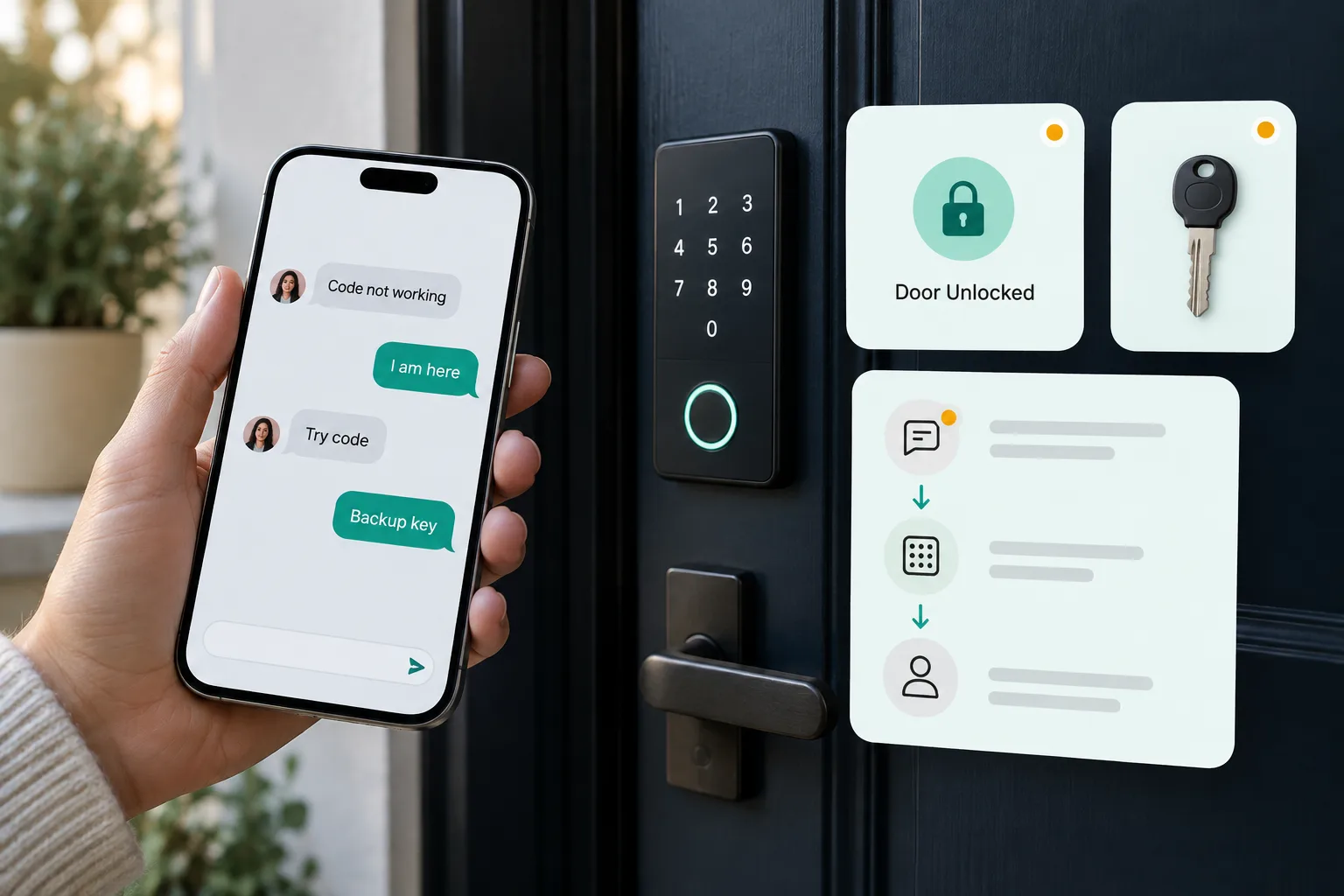
If your airbnb door code not working message arrives while a guest is outside, reply first and investigate second. Confirm they are at the right door, ask what the keypad shows, give the exact Airbnb keypad code sequence, then move to verified backup access if they still cannot enter.
Your aim is not to prove whether the Airbnb smart lock, cleaner or guest caused it. Your aim is to get the Airbnb guest locked out situation under control before it turns into a refund request, a safety issue or a bad review.
Quick answer for hosts when an Airbnb door code is not working
Use this five step response when an Airbnb guest locked themselves out or says the code is failing.
- Reply immediately, even if you only say you are checking it.
- Confirm the exact property, building entrance and unit door.
- Ask what they see: no lights, red light, invalid code, spinning motor, app error or lockbox issue.
- Send the exact code and button order for that keypad.
- If the second try fails, send verified backup access or dispatch help.
Airbnb says guests can find check in details in Trips before the reservation begins, and that check in details only become available 48 hours before check in according to the Airbnb guide to guest check in. Airbnb also says guests should message the host first if they have trouble accessing the home. (airbnb.com)
Do not rely on a guest finding an old message at 11:30 pm with weak signal and luggage in the rain. Send the code again in a short, plain format.
Hi {first name}, I am here and we will get you inside. Please stay by the {front door or unit door}. You should be at {exact door description}. Wake the keypad, enter {code}, then press {final button}. Try once slowly and tell me exactly what the keypad does.Get the guest inside first, diagnose the system second.
The 60 second lockout script to send the guest
When a guest is standing outside, write like an operator, not like a manual. Acknowledge the problem, give one instruction at a time and avoid making them feel blamed.
Hi {first name}, sorry about that. I am on it now and we will get you inside. Please confirm you are at {address}, at the door with {door colour or landmark}. Send me a quick photo of the keypad and the door so I can check you are at the right entrance. The code is {code}. Press {wake button if needed}, enter {code}, then press {hash, tick, logo or lock button}. Please try it once slowly, then stop so the keypad does not reject repeated attempts.The final button matters. Some Schlage keypad models unlock after a valid user code, and Schlage documentation also refers to pressing the Schlage button to illuminate the keypad in low light, as shown in the Schlage keypad instructions. Yale advises entering the correct PIN followed by the check mark key in its Yale keypad troubleshooting guide. August says guests enter the code and press the red August button on its August keyless entry guide. (schlage.com)
If they have tried two or three times, stop. Repeated wrong entries can create extra delay or lock behaviour that feels like another fault. Move to backup access.
Troubleshooting table by symptom
Use this table as your first diagnosis. Keep it in your saved replies so you are not thinking from scratch during a late night Airbnb guest locked out call.
| Guest symptom | Likely cause | Host check | Guest action | Host fallback |
|---|---|---|---|---|
| Code says invalid | Wrong code, code expired, code not active | Check reservation code and access window | Retry exact digits and final button | Send active backup code if safe |
| Keypad does nothing | Dead battery or broken keypad | Check lock status and last battery warning | Try waking keypad once | Use physical key or dispatch help |
| Keypad lights but will not open | Wrong final button, jammed bolt, PIN conflict | Check lock log and door alignment notes | Pull door gently while entering code | Remote open or send backup entry |
| Code worked earlier but not now | Checkout time passed, trip changed, lock resynced | Check booking dates and checkout time | Confirm they are still in stay dates | Extend access or send new code |
| Guest arrived before check in | Code not active yet | Check agreed check in time | Wait until code active time | Approve early check in and update access |
| Airbnb door code pending | Code created but not synced | Check Airbnb code status and lock status | Wait while host checks | Backup code or backup entry |
| No code visible | Code creation failed or message missed | Check Today tab and booking system | Search Trips and messages | Create manual code or backup entry |
| Wrong entrance | Building door differs from unit door | Compare guest photo with arrival guide | Move to correct door | Send entrance photo and map pin |
| Lockbox code fails | Wrong box, stiff dials, old code | Check current lockbox code | Reset dials and pull shackle firmly | Send second box or dispatch key |
| App open fails | Phone signal, app login, bluetooth or wifi issue | Check remote status | Use keypad if available | Remote open or physical key |
| Keys or phone locked inside | Guest can access building but not unit | Verify identity and stay | Wait in safe lit area | Co host, cleaner or locksmith |
The big split is simple. If the keypad has no lights, stop arguing with the code. Move to a backup entry method.
Check whether this is a code problem, timing problem or lock problem
Put every lockout into one of three buckets.
First, the guest has the wrong code. This happens when an old scheduled message went out, the guest copied a wifi password by mistake, a cleaner changed a lockbox, or you manually edited a code in one system but Airbnb still shows another.
Second, the code is correct but not active. Airbnb says connected smart lock codes are active during the stay. Its Resource Centre says door codes activate at check in time and expire 30 minutes after checkout, and that changing early arrival or late departure updates the active period, in its Airbnb smart lock setup guide. Airbnb also says hosts can adjust expiry from 15 minutes to 2 hours after checkout in its smart lock code management guide. (airbnb.com)
Third, the lock cannot accept any code. That is hardware, battery, door alignment, keypad damage or a disconnected bridge. If the guest says there are no lights, or the keypad is physically broken, a new code will not help.
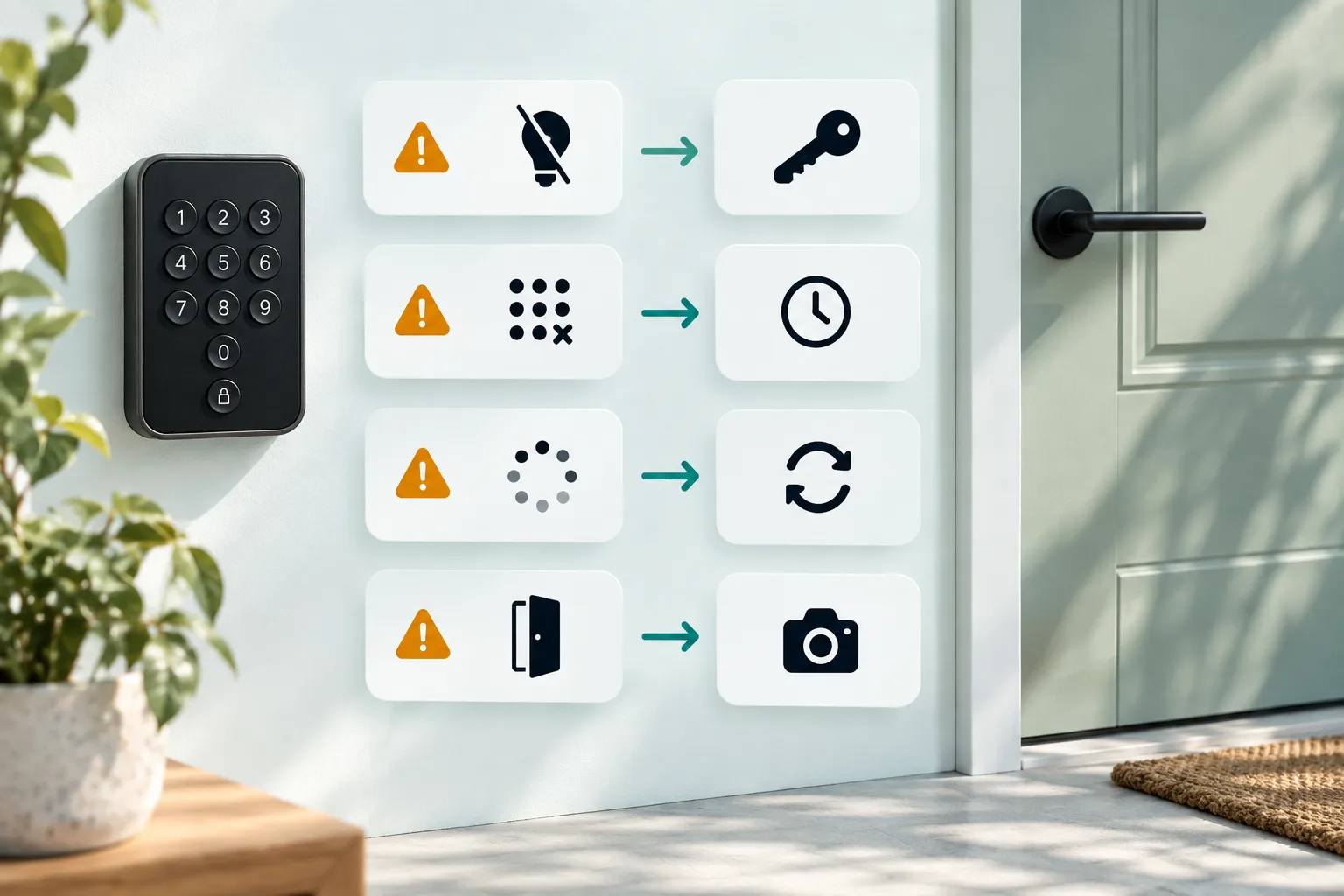
Mini decision tree: no lights means physical backup. Lights with invalid code means code or timing. Lights with motor noise means alignment or deadbolt. Airbnb door code pending means sync or connectivity. Wrong door photo means guest route problem.
What Airbnb smart lock statuses mean in plain English
Airbnb connected smart lock statuses are useful, but only if you translate them into action.
Door code shared means the code exists and has been sent, but it is not active because the reservation has not started. Door code active at means check in is today and the code activates at the listed check in time. Door code active means it should work now. Door code pending means Airbnb created the code but is waiting for it to sync with the lock, often because of connectivity, battery or another lock issue. No door code means Airbnb could not create or keep a code, often because the lock was disconnected or the code was removed, according to the Airbnb smart lock code status guide. (airbnb.com)
For the lock itself, connected means existing codes are working and new codes can be shared. Low battery means replace batteries soon. Critically low battery means act right away to avoid guests being locked out. Offline can mean dead battery or wifi down. Airbnb says that if wifi is down but battery is good, confirmed guests may still use codes already stored on the lock, but new reservations may not receive generated codes while the lock is offline. Disconnected means the connection was removed and you need another access method until it is set up again, as explained in the Airbnb smart lock status guide. (airbnb.com)
Backup access plan every small host should have
Separate backup code from backup entry method. A backup code still needs a powered, usable keypad. A backup entry method gets the guest in when the keypad is dead, broken or unreachable.
Airbnb says backup codes can be shared if a lock is offline and cannot sync a guest code, but also says backup codes only work when the smart lock is powered on and usable. If batteries are dead or the keypad is broken, guests need a backup entry method such as a physical key, according to Airbnb backup code guidance. (airbnb.com)
For 1 to 10 units, the safest escalation order is usually:
- Remote open if you can verify the guest and the lock responds.
- Backup code if the keypad is powered and usable.
- Backup lockbox with a physical key.
- Cleaner, co host, neighbour or concierge with restricted access.
- Emergency locksmith.
- Alternative accommodation if access cannot be restored.
Security rules matter. Verify the reservation holder before sharing backup access. Do not give a stale master code to an unknown caller. If a guest calls from a different number, ask them to reply inside Airbnb messages before you release a lockbox code. Rotate the backup after use.
Templates for every lockout message
Thanks {first name}. Since the keypad is not opening, use the backup key now. The lockbox is {exact location}. Set the dials to {code}, press {release action}, take the key and open {door description}. Please put the key back in the box after you are inside and message me when done.Hi {name}, guest at {property} cannot enter. I have verified the booking. Please go to {address}, bring {key or batteries}, and message me when you arrive. Guest name is {first name}. Do not share any permanent code. If you cannot attend by {time}, tell me now so I can call the locksmith.Hi Airbnb Support, the confirmed guest for reservation {reservation code} cannot access {listing name}. Timeline: guest messaged at {time}, we replied at {time}, code checked at {time}, backup attempted at {time}. Current issue is {dead keypad, pending code, offline lock or other}. We are arranging {locksmith or alternative access}. Please add this to the case notes.Hi {first name}, I am sorry again for the access delay last night. The issue was {brief cause} and I have now {replacement batteries, reset code, updated guide or fixed lock}. Thank you for your patience. Please tell me if anything else in the stay needs attention today.For more scheduled copy that prevents confusion before arrival, use this Airbnb check in message template and the wider Airbnb automated messages from booking to review guide.
Worked examples of common Airbnb lockouts
Guest arrives 30 minutes early. Diagnosis: timing, not lock failure. Message: the code activates at {time}, I can approve early access now if cleaning is complete. Fallback: update the access window or send a temporary code. Prevention: do not promise early arrival until the code window is changed.
Airbnb door code pending before check in. Diagnosis: code exists but has not synced. Message: I am checking the lock connection now and will not leave you waiting outside. Fallback: backup code if powered, physical key if not. Prevention: check code status the morning of arrival.
Keypad is dead. Diagnosis: battery or hardware. Message: thanks for the photo, the keypad has no power, so please use the backup key. Fallback: lockbox, cleaner or locksmith. Prevention: battery replacement cadence, spare batteries in the cleaning kit and a low battery alert check.
Guest is at the building door. Diagnosis: wrong entrance. Message: that code is for the flat door. The building entrance is {method}. Fallback: send the arrival photo again. Prevention: separate building and unit instructions visually.
Guest missed the final button. Diagnosis: user sequence. Message: enter {code}, then press {hash or tick or logo}. Fallback: stay on chat while they try once. Prevention: put the exact keypad sequence next to the code.
How to stop guests missing the code in Airbnb messages
Codes buried in long message threads create avoidable lockouts. It is worse for late arrivals, tired families, weak signal, guests using several apps and hosts who take bookings from more than one channel.
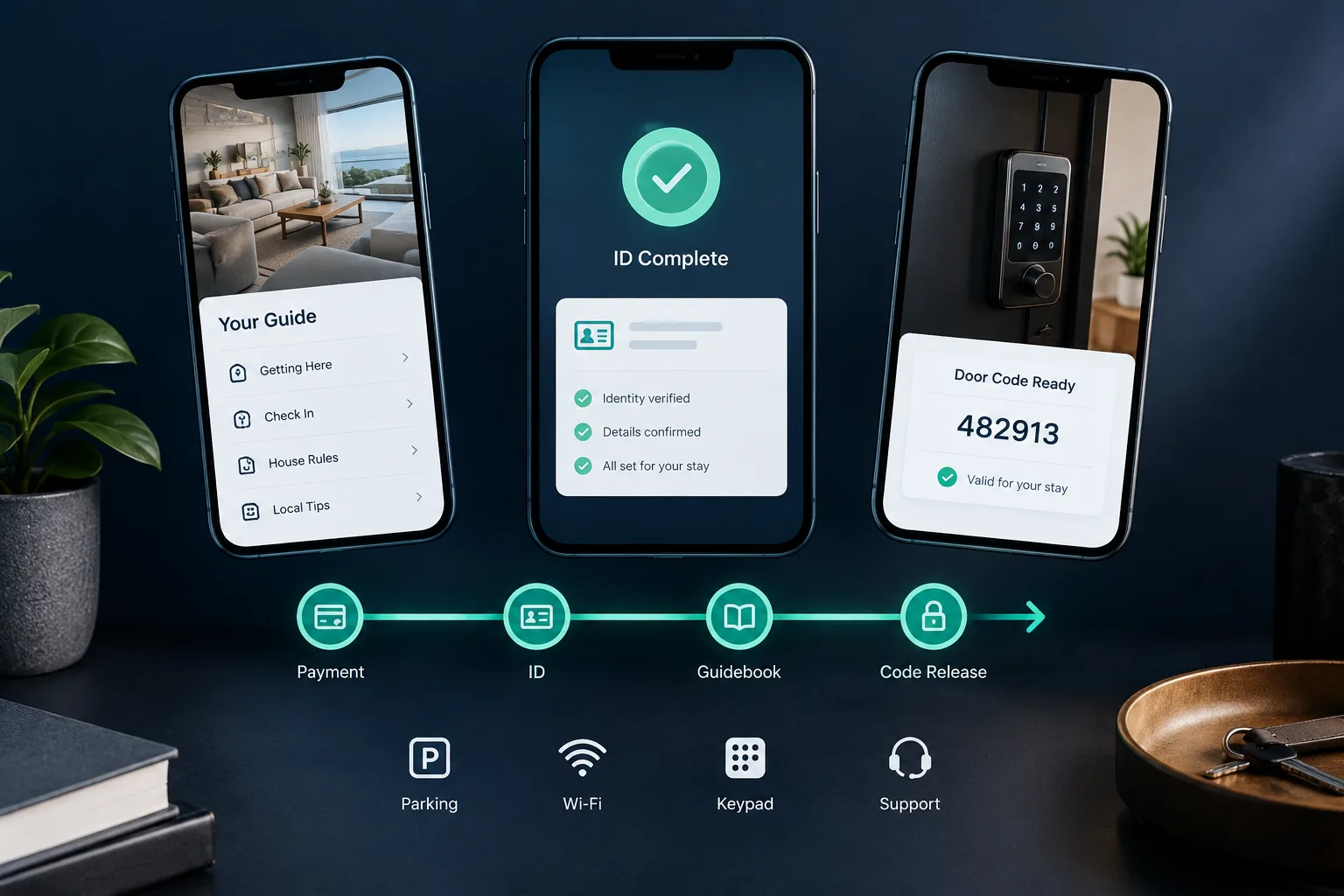
A better pattern is one mobile check in link containing the exact address, entrance photos, Airbnb keypad code, button sequence, parking, wifi, house rules, support contact and backup instructions. You can resend that link in every scheduled message without making guests scroll through old replies.
YourFrontDesk does this with one link per stay for payment, ID and the guidebook. The door code is released at the chosen hour, only after payment and ID. Hosts who want to see the shape of this can send guests a check in link with everything they need to get inside, or try an instant demo of a guest check in link.
The point is not to hide information. The point is to make the current arrival instruction obvious, mobile friendly and controlled.
Prevention checklist for 1 to 10 Airbnb units
Before every check in, confirm the reservation dates, current code, active window, lock battery, wifi bridge status and backup access. Test the code when practical, especially for late night arrivals.
Weekly, replace weak batteries, test one guest code, inspect the keypad, check door alignment and confirm cleaners have not engaged a chain, bolt or extra latch. Monthly, audit stale guest, cleaner and vendor codes, refresh entrance photos, test the lockbox and verify co host numbers.
Before busy weekends, preload batteries, confirm locksmith cover and check late night contacts. Small hosts do not need a hotel desk, but they do need a written escalation list.
If late arrivals are common, read the Airbnb guest late check in guide. For broader operations across several units, see the page for hosts and managers running apartments.
Smart lock integration, booking system code or manual code
Airbnb connected smart locks can automatically create unique codes for compatible locks, and Airbnb names Schlage, Yale and August as compatible brands in its smart lock setup content. Manual codes and lockboxes are simpler but rely on you keeping every message current.
| Option | Automation | Main failure point | Backup need | Best fit |
|---|---|---|---|---|
| Airbnb connected smart lock | High | Sync, battery, connection | Physical key | Hosts using compatible locks |
| Booking system smart lock | High | System mismatch, monitoring gap | Physical key | Multi channel hosts |
| Manual smart lock code | Medium | Human error, stale code | Physical key | Few units, careful host |
| Lockbox | Low | Old code, jammed box | Spare key route | Simple units, rural stays |
| In person check in | Low | Staff availability | Call list | Complex buildings |
The practical recommendation is boring and reliable. Use automation where it saves mistakes, but every automated code still needs a human readable check in link and a physical backup plan.
When to compensate the guest and protect the review
If the guest caused the issue, for example they went to the wrong door or arrived before the agreed time, help quickly but compensation may not be needed. If your system failed, offer something proportionate: a small refund, late checkout, waived early check in fee, ride or coffee reimbursement, or a larger refund for a serious access failure.
Airbnb says that if a host cannot resolve a serious issue, it can help guests find comparable accommodation or provide a full or partial refund under AirCover for guests, and its rebooking and refund policy includes a host failing to provide access as a reservation issue when reported within 72 hours of discovery. Read the Airbnb AirCover access support page and the Airbnb rebooking and refund policy. (airbnb.com)
Document the timeline, messages, screenshots, lock logs and actions taken. Do not argue in the thread. Calm, fast, factual messages protect the guest experience and your position if Airbnb support reviews the case.
Next steps
Save the 60 second script, test every backup entry method this week and add one clear arrival link to your check in flow. If you want the front desk, arrival guide and code release handled in one place, try an instant demo.
What people ask next
What do I do if my Airbnb door code is not working?
Message the host straight away from the Airbnb app and, if available, call the number in your trip details. Confirm you are at the correct door and describe what the keypad shows. If you are the host, reply immediately, resend the exact code sequence and move to backup access if the second try fails.
Why does my Airbnb door code say pending?
Door code pending means the code has been created but has not synced to the lock yet. The usual causes are connectivity, battery or another lock issue. Hosts should check the lock status and prepare a backup code or physical entry method.
Where do I find my Airbnb check in code?
Guests usually find check in details in their Airbnb Trips area before the reservation begins. The code may also appear in Airbnb messages or an email if the host uses a connected smart lock. If it is not visible close to arrival, message the host before travelling to the door.
What happens if an Airbnb smart lock is offline?
An offline smart lock may have dead batteries or may have lost wifi connection. If the code was already stored on the lock and the lock still has power, it may still work. If the keypad is dead or broken, a backup code will not help and the guest needs another entry method.
Can a guest get a refund if they cannot access an Airbnb?
A serious access failure can become a refund or rebooking issue, especially if the host cannot resolve it quickly. Guests should document the problem and contact the host first, then Airbnb if access is still not possible. Hosts should keep a clear timeline of replies and attempted fixes.
How do hosts prevent Airbnb guests from getting locked out?
Use unique stay codes, test access before arrival and keep a physical backup key available. Replace weak batteries early, audit old codes and put the code, photos and keypad sequence in one clear mobile arrival guide. Also keep a late night escalation list for cleaners, co hosts and locksmiths.